Showing posts with label X7155B Avonlea. Show all posts

Thursday, May 23, 2013

Create a Card

I'm a day late posting this.  We've been having some nice weather and I got carried away at Lowe's getting flowers, so I've been planting like a crazy woman.  I can't wait for them all to fill out.

So, without further ado :)  here is this week's card.


This card was created using CTMH's Avonlea paper and C1539 Scrapbook Sentiments - Poets stamp set.

Here are the directions:


4 ¼” x 5 ½” side fold card base

4 ¼” x 5 ½” Whisper card stock
2 ½” x 4” Whisper card stock
4” X 5 ¼” Avonlea Background and Texture paper
2 ¾” x 4 ¼” Chocolate card stock

Stamp sentiment with Chocolate ink on Whisper card stock. Attach to Chocolate card stock.
Attach Avonlea Background and Texture paper to Whisper card stock.  Attach matted image to card front ½” from right and bottom of card front.
Cut 4 ½” of satin dot ribbon and cut V on one end.  Attach to card front.  Attach a piece of Chocolate ribbon and gray ribbon on top of satin ribbon.  Insert waxy flax through holes of button and tie in bow.

Thursday, May 16, 2013

Working with the No Limits Layout in Studio J

Today I'm posting a little tutorial to show how easy it is to create a layout from scratch in Studio J.  While using the pre-designed layouts is great, having the freedom to do whatever you'd like is great also!

In this first picture, you will see what the No Limits layout looks like before you do anything with it.


You'll want to change these photo wells into text wells.  When you click within the photo well, an option box will pop up looking like this.

See the option box on the upper right page.  At the top line of it, the second item from the right gives you the option to change each of these photo wells into the text wells.  Click on that and you'll have a page that looks like this.


Notice in the upper left of each of the pages, it says "Add Journaling".  Just click the "Edit Text" option and delete that.  Once you have this, you'll want to start adding your papers to the page.  I went for really simple so that it would be easy to see what I'm doing.  I'm using the Avonlea paper packet.


First...you may be wondering how I am losing the Toolset and the thumbnails of the pages I've worked on.  You'll see the words under the green section where you can hide or show them.  As you can see, the left page I've left at the 12x12 and dragged and dropped the one Background paper into it.  On the right page, I've created a new text box that is 4" x 12".  I deleted the "Add Journaling" and then dragged my choice of paper into that spot.  I then created another text box that was 8" x 12", deleted the "Add Journaling" and it's ready to drop my choice of paper into it.In this picture, on the left, you can see all of your options for spots, whether it's "add picture", "add journaling", "add title" or "quick title tool".

Before I added my photo wells and journaling spot, I used one of the My Stickease borders to cover the seam on the right page.

Once I've drop papers in to all the spots, I'll go through and put my photo wells wherever I would like them.
The automatic default size is 4" x 6", but you'll have the pop up just like in the second photo above to change your photo wells to whatever size you would like them.

Following that, I added my photo mats to each, again using the pop up tool.


I then used some of the My Stickease to dress up the pages.

See the little "On this Day" pull out.  It's a My Stickease, and then I did the option of sending it to the back so that it would be behind the picture.  I added a Title spot on the upper right page, then used the Quick Title Tool to add "My Family.  Since this page was created as a demo, I didn't put a lot of embellishments on it so that you'd be better able to see the options that you have. 

I'm so excited about these new options for the No Limits layout.  I can see so many ways to use this. 

Wednesday, May 8, 2013

Create a Card

This week's Create a Card was created using CTMH's C1539 Scrapbook Sentiments-Poets.


The papers used come from CTMH's X7155B Avonlea.

If you'd like to recreate this card, here are the directions.


4 ¼” x 5 ½” top fold card base

4 ¼” x 5 ½” Whisper card stock
2 ¼” x 2 ½” Whisper card stock
4” x 5 ¼” CTMH Avonlea Background and Texture Paper
2 ¼” x 2 ¾” CTMH Avonlea Background and Texture Paper
2 ½” x 3” Chocolate card stock (2)

Cut 4 x 5 ¼” piece of Avonlea Background and Texture paper to create a 2” piece and a  3 ¾” piece.  Attach smaller print piece to left side of Whisper card stock and the large print to the right side.  Cover seam with a piece of the Avonlea Zip Strip.
Attach Avonlea Background and Texture paper to the Chocolate card stock.
Stamp sentiment with Chocolate on Whisper card stock.  Attach to Chocolate card stock.  Slip Spriral on top right.
Attach gray ribbon across bottom and leave an opening on the right to tie a knot.
Attach matted Avonlea Background and Texture paper piece ¾” from top and left of card front.
Attach matted sentiment 1 ¼” from top and 1 ¼” from left side using foam dots.

~~~~~~~~~~~~~~~~~~~~~~~~~~~~~~~~~~~~~~~~~~~~~~~~~~~~~~
Guest Artist

I Want You! to be my next Guest Artist!

How would you like to get some FREE Close To My Heart products from the new Spring/Summer 2013 Idea Book?  How you ask?  Become one of my Guest Artists.

Here's the details of the Guest Artist program.
  1. If you would like a chance to be a guest artist, please send me a link to artwork on your blog, or, if you have no blog, email me pictures of some of your art. Put Guest Artist in your subject line.
  2. On the first of every month, I will choose the guest artist for that month.
  3. Upon choosing the artists, I will send you one of Close To My Heart's Workshop on the Go kits. You will need to create the featured layout in the kit (you may jazz it up or put your own spin on it). Then, with all the products left over in the kit, you'll make as many items as you can. You may choose to do another two page layout and some cards, or a one page layout & cards, only cards, or choose something of your own to alter.You will have until the 20th of the month to get all of this done :)
  4. When you finish creating, you will send me photos of everything you've created so that I can post them on my blog. If you have a blog, you'll also post them there.
  5. You'll get high praise and recognition on my blog.
Does this sound like something you'd like to do? If so, send me your blog link or photos of your artwork.

Monday, May 6, 2013

Magic Monday

Happy Monday morning! It's going to be another gorgeous day in Upstate NY!

This week's Magic Monday layout was created in CTMH's Studio J® program.  The paper packet used is CTMH's Avonlea.  If you'd prefer to create traditionally, you'll find matching My Stickease® to go with the Avonlea paper.

This paper packet is perfect for your heritage photos. 

Have a wonderful Monday, everybody!!

Friday, April 26, 2013

Stamp a Stack Club Cards

These are the cards the Stamp a Stack club created in March.


The stamp set we used is from CTMH.  It's C1539 Scrapbook Statements - Poets.  The papers used come from two different Close To My Heart Reflections kits.  The top cards were created using X7163B Chantilly and the bottom cards are from X7155B Avonlea.

 Each month in the Stamp a Stack Club, one creates 10 unique cards designed by me.  In your Stamp a Stack Club package, you receive a stamp set, and all the paper and embellishments to create these cards for only $27!  If you'd like to join the club, whether you are near or far, please email me and I'll get you set up.

Wednesday, January 23, 2013

Guest Artist

I just have to say that I love this Guest Artist thing!! :)  I love to see how others create with the same materials.    The January Guest Artist is Julie Fiorito.  Julie used the CTMH workshop kit called Avonlea.


After finishing the main layout in the kit, Julie went on to create two more layouts using more of the items in her kit.

First, this St. Patrick's Day layout...


And, a gal after my Crusin' Buddy's and my heart...a layout using some of the memorabilia collected when visiting a location.


Thanks so much, Julie for participating.!!

~~~~~~~~~~~~~~~~~~~~~~~~~~~~~~~~~~~~~~~~~~~~~~~~~~~~~~

I Want You! to be my next Guest Artist!

How would you like to get some FREE Close To My Heart products from the new Spring/Summer 2013 Idea Book?  How you ask?  Become one of my Guest Artists.

Here's the details of the Guest Artist program.


  1. If you would like a chance to be a guest artist, please send me a link to artwork on your blog, or, if you have no blog, email me pictures of some of your art. Put Guest Artist in your subject line.
  2. On the first of every month, I will choose the guest artist for that month.
  3. Upon choosing the artists, I will send you one of Close To My Heart's Workshop on the Go kits. You will need to create the featured layout in the kit (you may jazz it up or put your own spin on it). Then, with all the products left over in the kit, you'll make as many items as you can. You may choose to do another two page layout and some cards, or a one page layout & cards, only cards, or choose something of your own to alter.You will have until the 20th of the month to get all of this done :)
  4. When you finish creating, you will send me photos of everything you've created so that I can post them on my blog. If you have a blog, you'll also post them there.
  5. You'll get high praise and recognition on my blog.
Does this sound like something you'd like to do? If so, send me your blog link or photos of your artwork.

~~~~~~~~~~~~~~~~~~~~~~~~~~~~~~~~~~~~~~~~~~~~~~~~~~~~~~~~~~~

 Pre-Order your Spring/Summer 2013 Idea Book


Monday, September 24, 2012

Magic Club Layout #2

I have to say, I LOVE this paper packet!  This is the second layout that the Magic Club did for August.  Again, we used Avonlea.

As the weather cools here in upstate NY, I find myself drawn to craft even more.  There are not enough hours in the day to do everything I would like to do.  How about you?  Have you thought of any Christmas/Hanukkah gift ideas yet?  I know that I will be recreating with paper one of the Studio J layouts that I did about the USS Coolidge.  You'll find that layout in the slideshow to the right.  I'm going to frame it as one of my gifts to my brother.

I saw a fabulous rag quilt that looks like the American flag on Pinterest.  I plan to make a couple or three or maybe even four of them.  LOL!  My Sister in Law, a niece, and our daughter are into the red, white and blue color scheme, so I know they'll all love it.  And, of course, I need to make one for myself, but that will wait until after Christmas :)

Well, my craft room is calling....  Have a wonderful Monday!

Monday, September 17, 2012

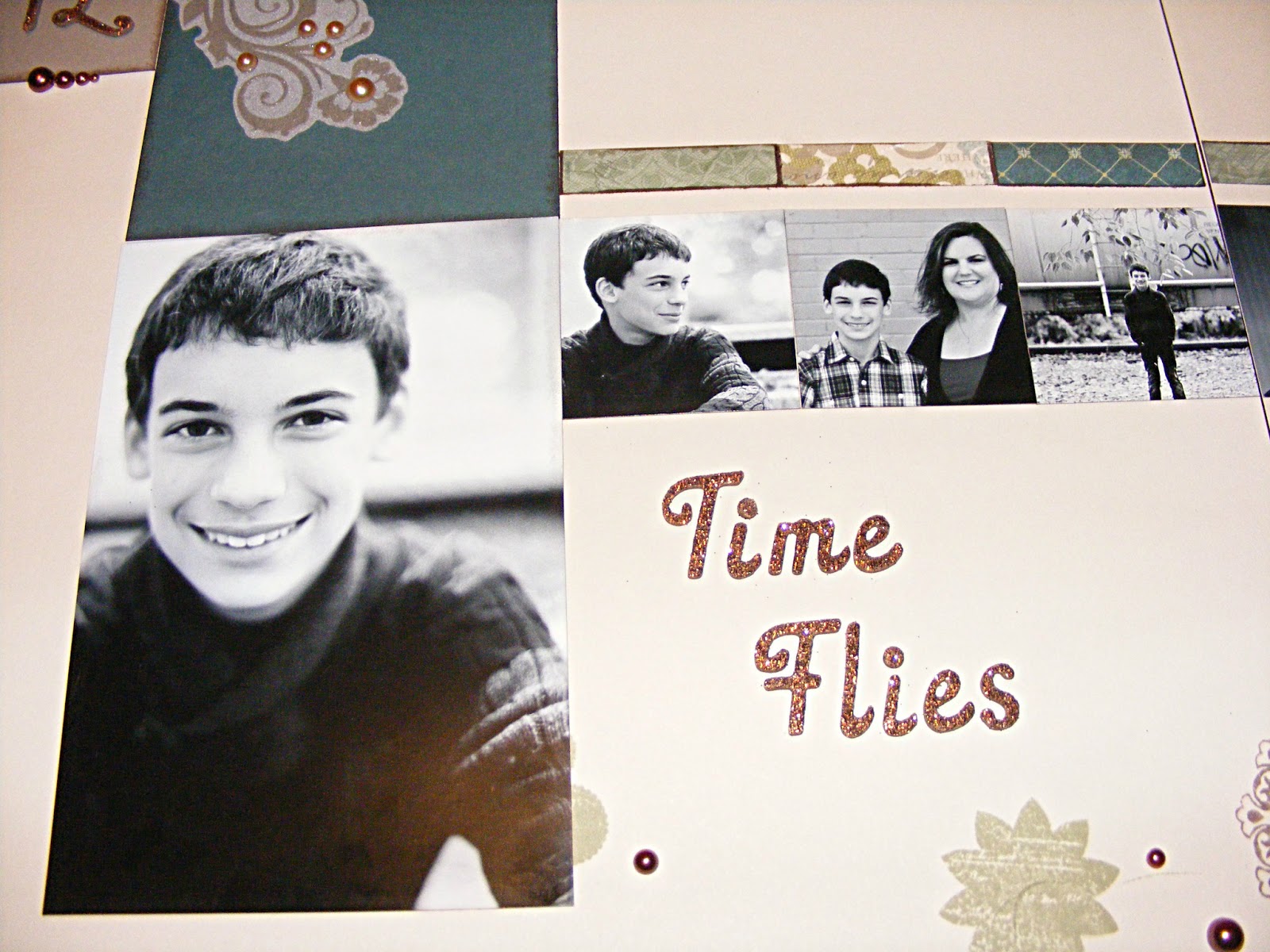
Magic Club Layout

Here is one of the layouts the Magic Club did for August.  We used Close To My Heart's  new Avonlea kit.  Such a pretty paper pack.  I kept the embellishments to a minimum as it seemed to take away from the pages.  I only used some of Z1748 Brocade Assortment on this set of pages.